
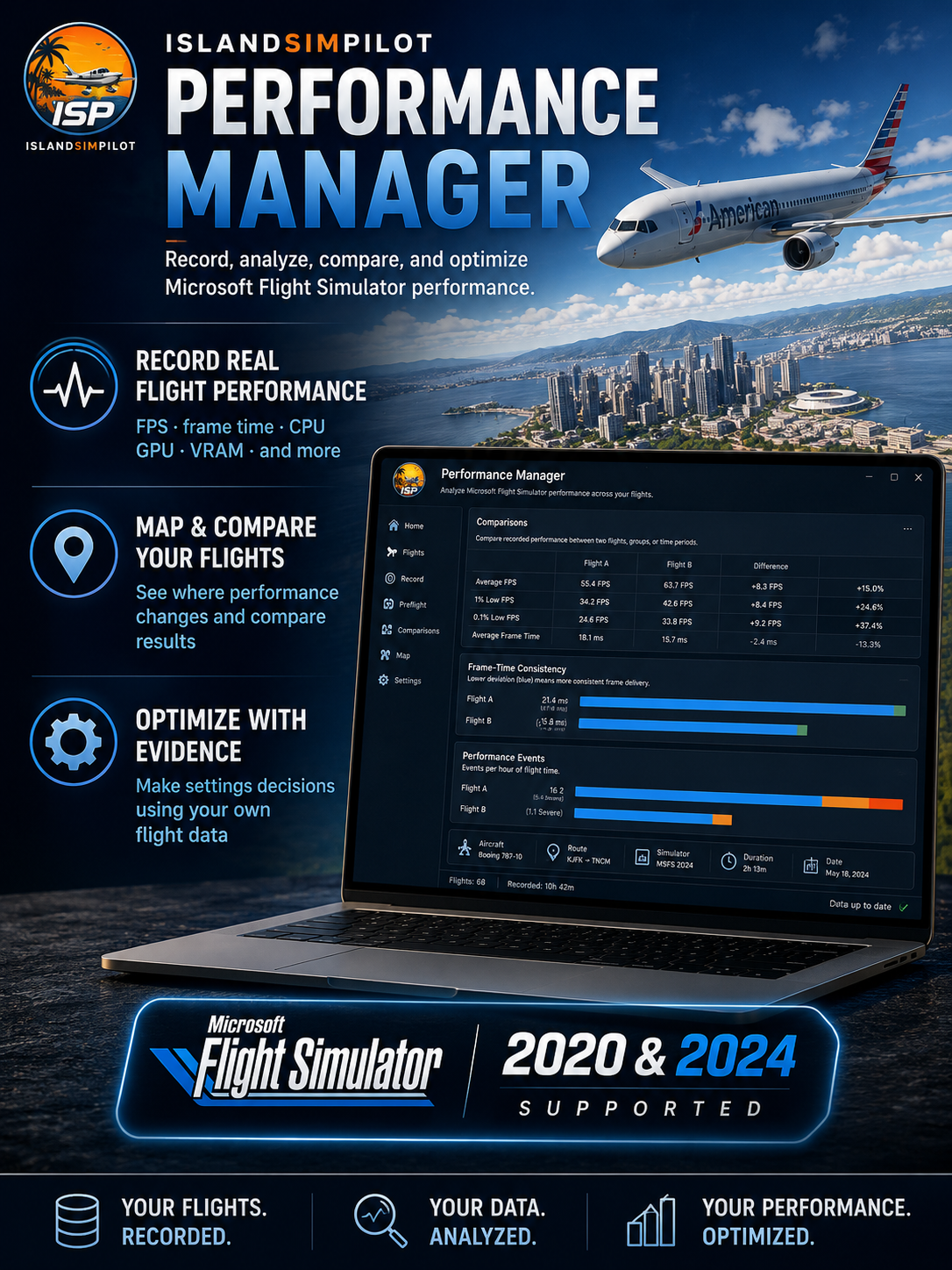
IslandSimPilot Performance Manager
Record, analyze, compare, and understand your real Microsoft Flight Simulator performance.
Performance Manager turns your actual flights into a detailed performance logbook, recording FPS, frame time, CPU, GPU, VRAM, performance events, simulator context, and more.
Instead of relying on a single benchmark or FPS counter, build a history of how your simulator performs across different aircraft, airports, routes, settings, drivers, and flight conditions.
Map performance events to see where they occurred, compare individual flights or entire groups, and use evidence from your own system to make better-informed settings decisions.
Designed by a real-world pilot and long-time Microsoft Flight Simulator content creator.
Features include:
Automatic performance recording while you fly
FPS, frame-time, CPU, GPU, and VRAM analysis
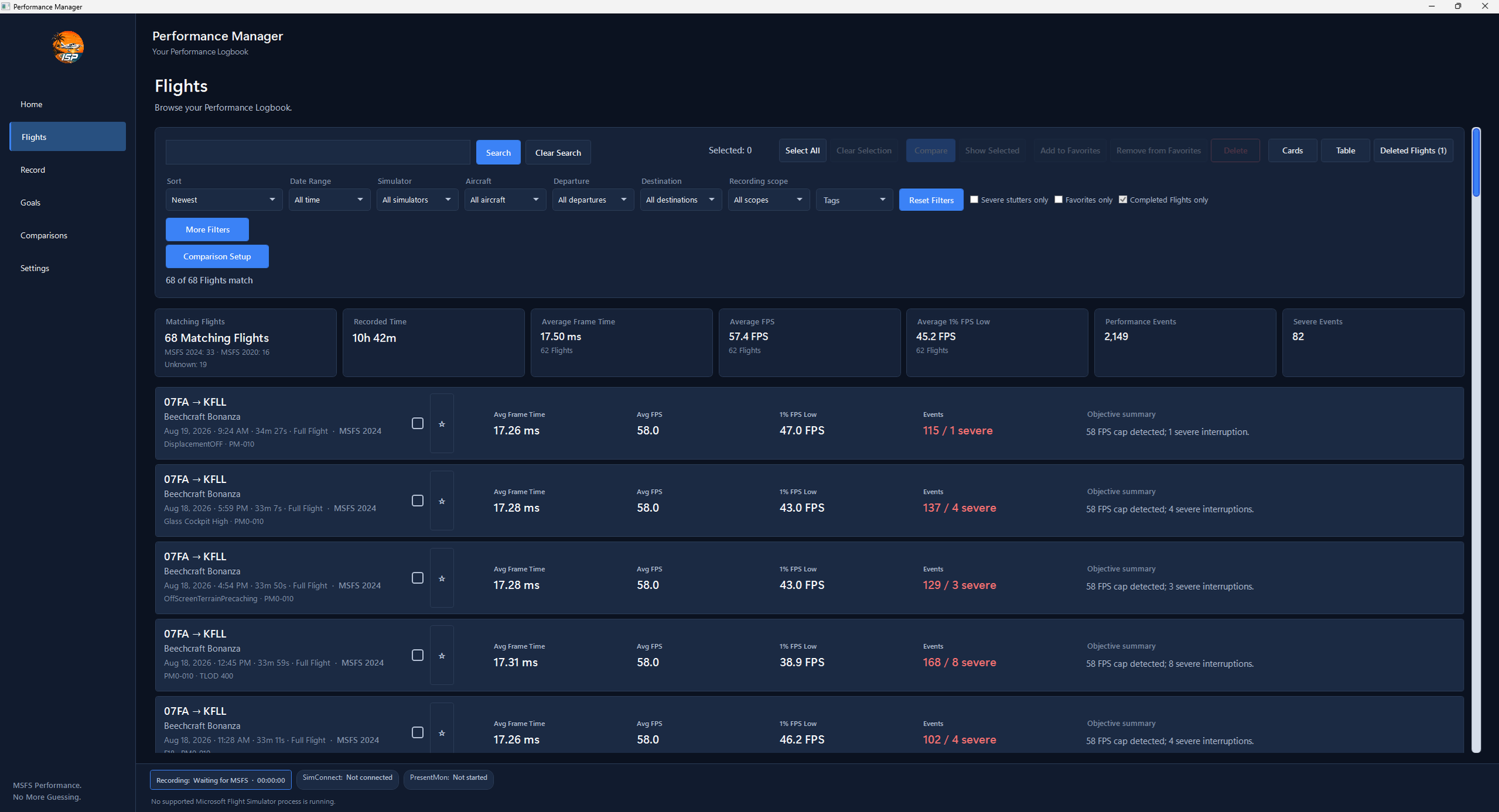
Searchable performance history
Performance-event detection
Flight comparison and analysis
Geographic performance maps
Evidence-based graphics settings recommendations
Microsoft Flight Simulator 2020 and 2024 support
Why Choose
Performance Manager?
Microsoft Flight Simulator performance is never just one number.
Your experience can change depending on the aircraft you fly, the airport you visit, your graphics settings, simulator updates, drivers, weather, and even the phase of flight.
A single FPS counter or benchmark run only tells you what happened once. Performance Manager builds a history from your actual flights, giving you the evidence to understand how your simulator performs over time.
With Performance Manager, you can answer questions like:
Did that setting change actually improve performance?
Which aircraft, airports, or routes are most demanding?
Where did performance problems happen during a flight?
Are your changes making the simulator smoother?
Every flight becomes part of your performance history — searchable, comparable, and useful long after the flight ends.
Stop guessing. Start measuring.
See Where Performance Changes
Performance problems happen somewhere along your flight.
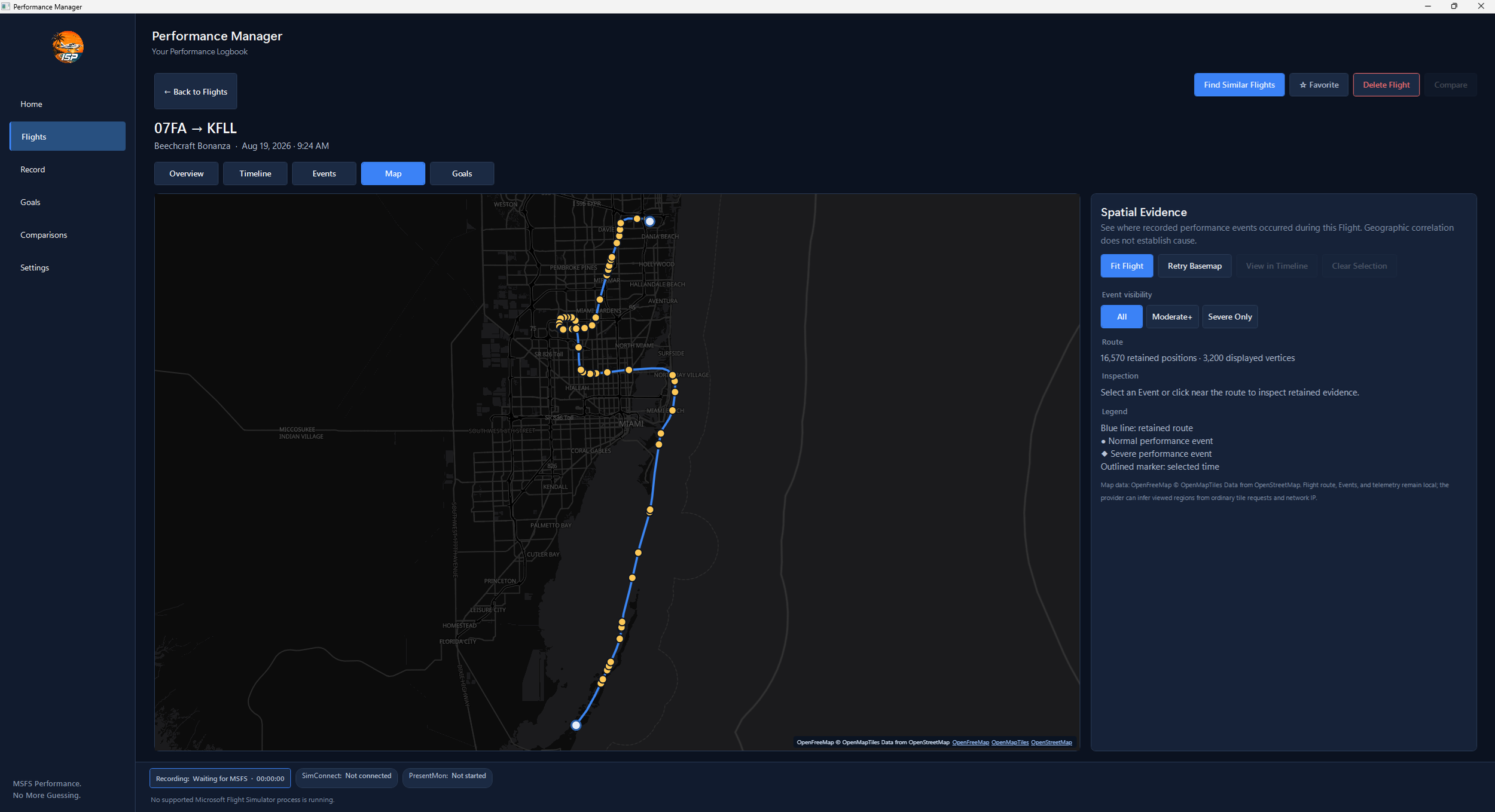
Performance Manager maps recorded events along your actual route, showing where stutters, frame-time spikes, and other interruptions occurred.
See whether problems cluster near a specific airport or city, during approach or climb, or along a route you fly repeatedly.
Instead of remembering that a flight “felt rough somewhere near Miami,” you can go back and see the recorded evidence.
Know not just that performance changed — know where it changed.
Compare What Really Changed
Averages alone can hide the differences that matter.
Performance Manager lets you compare recorded flights
—or entire groups of flights—using the performance evidence collected during each session.
Compare different settings, drivers, aircraft, routes, simulator versions, or test configurations and see how they affected:
FPS and frame time
1% lows and slower-frame percentiles
Frame-to-frame consistency
Performance and severe events
CPU, GPU, and VRAM behavior
Change something. Fly it. Compare the evidence.
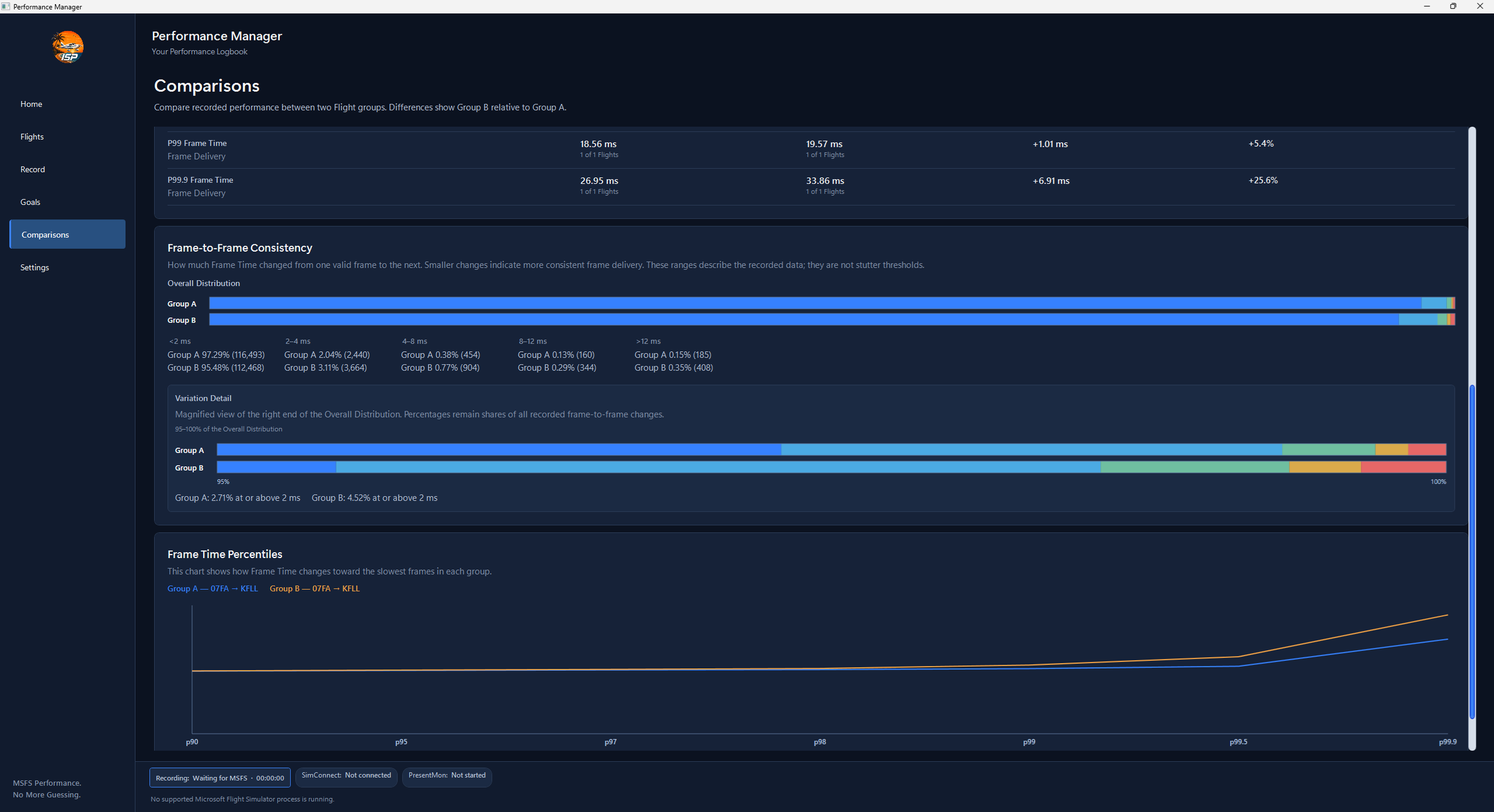
Because comparisons can use groups of flights rather than only one run against another, you can move beyond “this flight felt smoother” and look for patterns across repeated testing.